
Creating a productive home office environment is essential for anyone working remotely or managing tasks from home. A well-designed workspace not only helps improve focus but also reduces stress and enhances overall work quality. Whether you have a dedicated room or a small corner, optimizing your home office can make a significant difference in your daily work experience.
In this post, we’ll explore practical tips and ideas to create a home office that supports your productivity and well-being.
1. Choose the Right Location
Start by selecting a spot in your home where you can work comfortably and with minimal distractions. Ideally, the space should have:
– Good natural light to boost mood and reduce eye strain
– Enough room for your desk, chair, and equipment
– Privacy from household noise and interruptions
– Access to power outlets and internet connection
If space is limited, consider using a screen or room divider to separate your workspace visually from the rest of the room.
2. Invest in Ergonomic Furniture
Comfort plays a crucial role in maintaining productivity. An ergonomic office setup supports good posture and prevents discomfort during long work hours. Focus on these key pieces:
– Ergonomic Chair: Look for adjustable height, good lumbar support, and comfortable cushioning.
– Desk: Choose a desk with enough surface area for your computer, papers, and other supplies. Adjustable desks that allow sitting and standing can be beneficial.
– Monitor Stand or Adjustable Arm: Position your monitor so the top is at eye level to avoid neck strain.
An investment in ergonomic furniture pays off by reducing physical fatigue and enabling you to work longer, healthier hours.
3. Keep Your Workspace Organized
A cluttered desk can make it hard to concentrate. To keep things tidy:
– Use organizers like trays, file holders, and drawer dividers to store papers and office supplies.
– Limit items on your desk to essentials only.
– Regularly declutter to prevent buildup.
– Use cable clips or sleeves to manage wires.
An organized environment helps your mind focus on the task at hand and reduces time spent searching for materials.
4. Optimize Lighting
Proper lighting is critical to prevent eye strain and increase alertness.
– Position your desk near a window to take advantage of natural light.
– Supplement with task lighting such as a desk lamp with adjustable brightness.
– Avoid glare on your computer screen by positioning lights carefully.
– Use warm white bulbs to create a cozy, inviting atmosphere, or bright white for higher alertness.
Taking care of lighting makes working better for your eyes and mood.
5. Personalize Your Space
Adding personal touches can make your home office more inviting and inspiring:
– Incorporate plants to bring nature indoors, which can improve air quality and reduce stress.
– Hang artwork, photos, or motivational quotes that resonate with you.
– Choose colors and decor that promote calmness or energy, depending on your preference.
A personalized space helps create a positive emotional connection to your work area.
6. Minimize Distractions
Distractions can severely impact productivity. Here’s how to reduce interruptions:
– Set clear boundaries with friends or family about your working hours.
– Use noise-canceling headphones or play background music if it helps you focus.
– Turn off unnecessary notifications on your devices.
– Close unrelated browser tabs and apps during work time.
Creating a distraction-free zone helps maintain your concentration and workflow.
7. Incorporate Break Areas and Movement
Taking breaks is vital for sustained productivity. If possible:
– Set up a small area for stretching or relaxing away from your desk.
– Use a timer or app to remind yourself to take short breaks every hour.
– Stand up and move around regularly to improve circulation and reduce fatigue.
Incorporating movement keeps energy levels steady and supports overall health.
8. Use Technology Wisely
Leverage technology to streamline your work:
– Choose reliable computers and accessories to avoid technical issues.
– Use cable management solutions to keep cords organized.
– Explore productivity software for task management, communication, and time tracking.
Balancing tech use without becoming overwhelmed is key to an efficient home office.
9. Establish a Routine
A consistent routine helps your mind switch into work mode:
– Set regular start and end times.
– Create a morning ritual to transition into work smoothly.
– Plan your day with prioritized tasks.
– Dress in work-appropriate clothing to boost professionalism and focus.
A structured routine adds discipline and predictability to your workday.
Conclusion
Designing a productive home office environment is about blending comfort, functionality, and style to support your unique working needs. By focusing on location, ergonomics, organization, lighting, personalization, minimizing distractions, incorporating breaks, using technology smartly, and establishing a routine, you can build a workspace that motivates and empowers you every day.
Remember, a home office should work for you—don’t hesitate to adjust and improve your setup as your work habits evolve. With these tips, you’re well on your way to creating a productive and enjoyable home office environment.
Related Posts
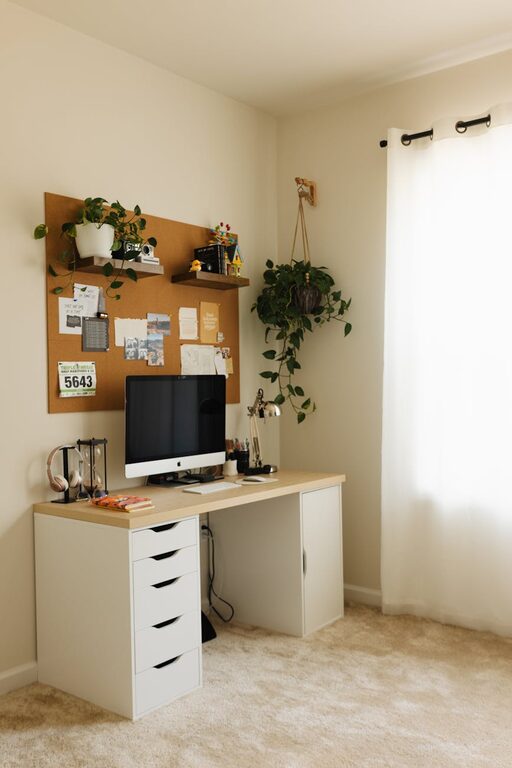
Tips for Creating a Cozy and Productive Home Office Space
Creating a home office that is both cozy and productive…

Tips for Creating a Cozy and Inviting Home Environment
Creating a cozy and inviting home environment is a wonderful…
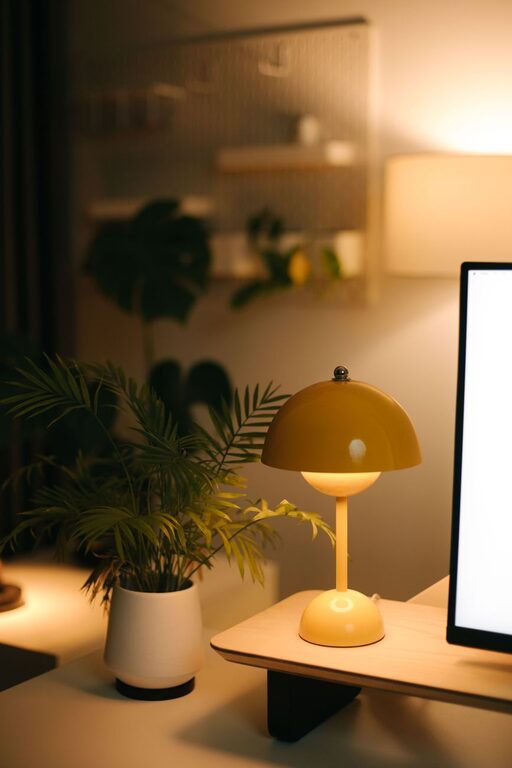
Tips for Creating a Cozy and Functional Home Office Space
Creating a home office that strikes the perfect balance between…